Introduction
A few months ago, I decided to track how much time I was actually spending on work each day. Like many people, I assumed I was productive because I stayed busy from morning until evening. But after looking closely at my daily routine, I discovered something surprising.
A large part of my day wasn’t spent doing important work at all.
Instead, I was switching between tasks, searching for notes, checking reminders, responding to messages, and trying to remember what needed to be done next. The problem wasn’t a lack of effort. The problem was a lack of organization.
This is something many people experience today. Whether you’re a student preparing for exams, a freelancer managing clients, or an employee balancing multiple responsibilities, staying productive has become increasingly difficult.
The good news is that technology can help.
The right productivity app won’t magically complete your work for you, but it can help you stay organized, reduce stress, and make better use of your time. In 2026, there are plenty of excellent free productivity apps available that can make a real difference in your daily routine.
Let’s explore some of the best options and see how they can help you work smarter instead of harder.
Why Productivity Matters More Than Ever
Modern life moves quickly.
Most people juggle work responsibilities, personal commitments, family obligations, and countless digital distractions every day. Notifications appear constantly, emails pile up, and social media competes for attention at every opportunity.
Without a proper system, it’s easy to feel overwhelmed.
Productivity isn’t about working every minute of the day. It’s about focusing on what matters most and completing important tasks efficiently.
One thing I’ve noticed over the years is that highly productive people aren’t necessarily working harder than everyone else. They simply have better systems.
That’s exactly where productivity apps become valuable.
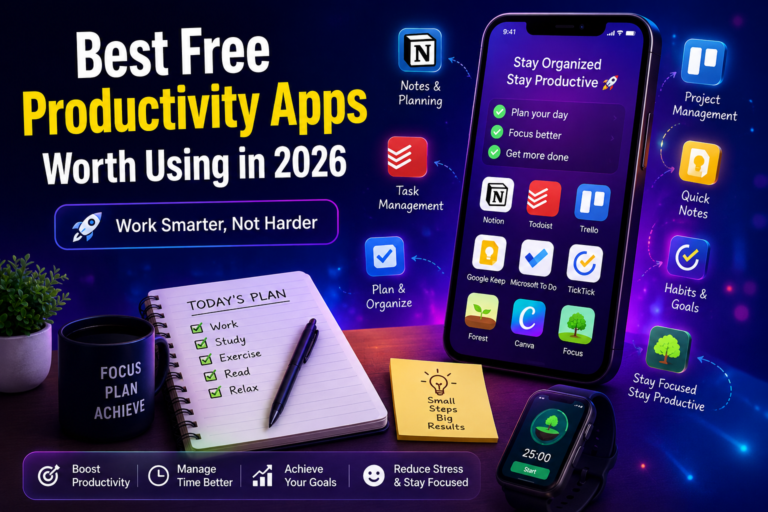
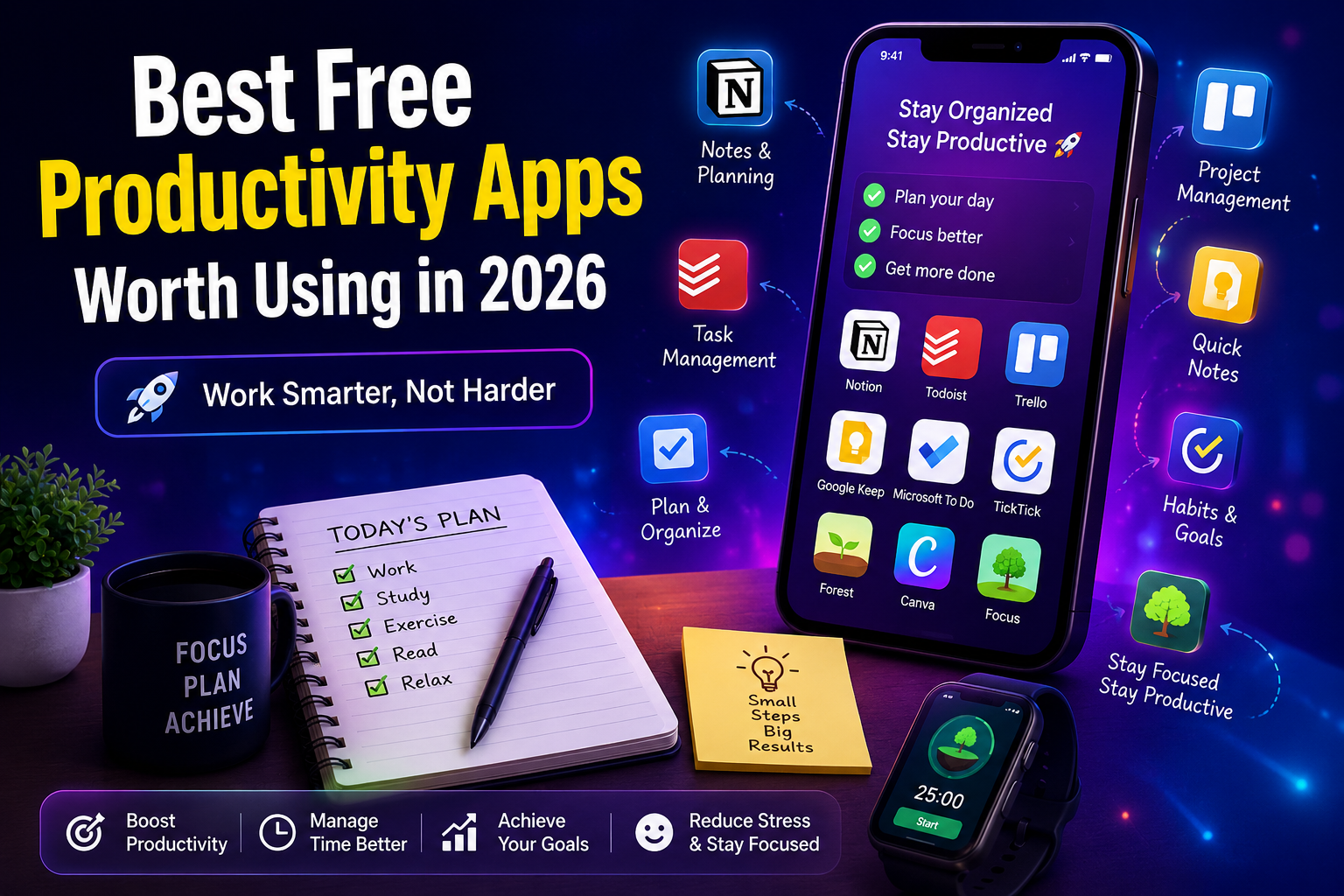
Notion: The All-in-One Workspace
Notion has become one of the most popular productivity tools in the world, and for good reason.
Instead of using separate apps for notes, planning, project management, and organization, Notion combines everything into one workspace.
Students can organize lecture notes, track assignments, and build study schedules. Freelancers can manage clients, deadlines, and project details. Business owners can organize teams, documents, and goals.
What makes Notion stand out is flexibility.
You can keep things simple with a few pages and checklists, or build a complete productivity system tailored to your needs.
Best Features
- Note-taking
- Project management
- Goal tracking
- Content planning
- Team collaboration
For most users, the free version is more than enough.
Todoist: Simple Task Management That Works
Many productivity tools become complicated over time.
Todoist succeeds because it remains simple.
The app focuses on helping users manage tasks efficiently without unnecessary complexity.
You can create tasks in seconds, assign deadlines, set priorities, and organize projects with ease.
For example, if you’re planning a large project, Todoist allows you to break it into smaller steps. This makes even overwhelming projects feel manageable.
One of the biggest productivity lessons I’ve learned is that clarity creates momentum. When you know exactly what to do next, it’s easier to take action.
Todoist helps provide that clarity.
Trello: Perfect for Visual Thinkers
Not everyone likes traditional task lists.
Some people prefer seeing projects visually.
That’s where Trello shines.
Trello uses boards and cards to organize work. Imagine moving sticky notes across a whiteboard as tasks progress from “To Do” to “Completed.”
That’s essentially what Trello offers in digital form.
Content creators often use Trello to manage publishing schedules. Teams use it to track projects. Students use it to organize assignments and deadlines.
The visual approach makes it easy to see progress at a glance.
Ideal For
- Project planning
- Team collaboration
- Workflow management
- Content creation
Google Keep: Fast and Reliable Note-Taking
Great ideas often appear at unexpected moments.
You might think of something important while driving, exercising, or standing in line at a store.
Google Keep helps capture those ideas before they’re forgotten.
The app allows users to create notes, reminders, checklists, and voice memos quickly.
Its simplicity is one of its greatest strengths.
Instead of overwhelming users with dozens of features, Google Keep focuses on speed and convenience.
For people who simply need a reliable place to store information, it’s an excellent choice.
Microsoft To Do: A Practical Everyday Planner
Microsoft To Do is often overlooked, but it’s one of the most useful free productivity apps available.
The app provides a clean and straightforward way to manage tasks and organize daily responsibilities.
Users can:
- Create task lists
- Set reminders
- Organize projects
- Plan their day
If you’re already using Microsoft products, the integration makes the experience even smoother.
What I appreciate about Microsoft To Do is that it avoids unnecessary complexity while still offering powerful features.
TickTick: More Than a To-Do List
TickTick combines several productivity tools into one application.
In addition to task management, it includes:
- Habit tracking
- Calendar views
- Focus timers
- Goal management
This makes it particularly useful for people trying to improve routines and build better habits.
For example, a university student could track study sessions, assignments, exercise goals, and personal tasks all within the same app.
Having everything organized in one place reduces mental clutter and improves consistency.
Canva: The Productivity Tool Many People Forget
Most people think of Canva as a graphic design platform.
However, it’s also a powerful productivity tool.
Creating presentations, reports, social media graphics, and marketing materials can consume a significant amount of time.
Canva simplifies the process with templates, drag-and-drop editing, and AI-powered features.
Small business owners, bloggers, and content creators often save hours each week by using Canva.
Saving time is one of the easiest ways to improve productivity.
Forest: Staying Focused in a Distracted World
One of the biggest productivity challenges today isn’t workload.
It’s distraction.
Many people struggle to stay focused because phones and social media constantly demand attention.
Forest addresses this problem creatively.
When you start a focus session, a virtual tree begins growing.
If you leave the app before the session ends, the tree dies.
It sounds simple, but many users find it surprisingly effective.
Students often use Forest during study sessions, while remote workers use it to maintain concentration during important tasks.
Sometimes productivity isn’t about adding more tools. It’s about removing distractions.
Choosing the Right Productivity App
One mistake people often make is downloading every productivity app they discover.
More apps don’t necessarily create better productivity.
In fact, too many tools can create confusion.
The better approach is choosing one or two apps that match your needs.
If you need comprehensive organization, Notion may be the best choice.
If task management is your priority, Todoist could be ideal.
If visual planning works best for you, Trello is worth considering.
The key is consistency.
A simple system used every day is far more valuable than a complex system you abandon after a week.
Practical Tips for Improving Productivity
Even the best productivity apps won’t help if basic habits are ignored.
Here are a few practical tips that consistently produce results:
Start With Important Tasks
Complete high-priority work before smaller tasks consume your day.
Avoid Constant Multitasking
Switching between tasks frequently reduces focus and efficiency.
Review Your Progress Weekly
Regular reviews help identify what’s working and what needs improvement.
Keep Your System Simple
Complicated systems often fail because they’re difficult to maintain.
Simple systems usually last longer.
FAQ
1. What is the best free productivity app in 2026?
Notion is one of the most popular options because it combines multiple productivity features into one platform.
2. Are free productivity apps enough for most users?
Yes. Most students, freelancers, and professionals can accomplish everything they need using free plans.
3. Which productivity app is best for students?
Notion, TickTick, and Google Keep are excellent choices because they help organize assignments, notes, and study schedules.
4. Can productivity apps improve focus?
Yes. Apps such as Forest are specifically designed to help users reduce distractions and stay focused.
5. Should I use multiple productivity apps?
It’s usually better to start with one or two apps and build a simple system before adding additional tools.
Conclusion
Productivity isn’t about filling every hour of the day with work. It’s about making meaningful progress toward your goals while reducing unnecessary stress and distractions.
The best free productivity apps in 2026 help users stay organized, focused, and efficient without spending money on expensive software.
Whether you choose Notion, Todoist, Trello, Google Keep, Microsoft To Do, TickTick, Canva, or Forest, the most important factor is consistency. Choose a tool that fits your workflow, use it regularly, and give yourself time to build productive habits.
About the Author